
Series 1 · Episode 1
Building the Site You're Looking At
2026-07-14 · TBD
CoworkClaude CodeClaude DesignClaude in ChromeGemini
▶ Video coming soon
The job
One person, every hat. In this episode the site you are reading goes from an empty folder to a live domain: logo, design system, task specs, code, GitHub, Vercel, DNS. Every screenshot below is from the actual build — typos, wrong turns, and one honest 404 included. Every file produced along the way is downloadable at the bottom of this page.
The plan, in seven boxes: logo, look and feel, specs, code, deploy, domain — and one box that stays open at the end of this episode: making the site answer questions about itself.
Hat 1 — The logo
First confession: the brand designer hat didn't go to Claude. This series is about the right tool for every chair, and for a one-shot logo, that chair went to Gemini. The entire creative brief was one sentence.
Prompt → Gemini
create a logo that says Wear Every Hat. it is for an AI teaching brand

The result went straight into an otherwise empty project folder. One file — that's the whole company at this point.
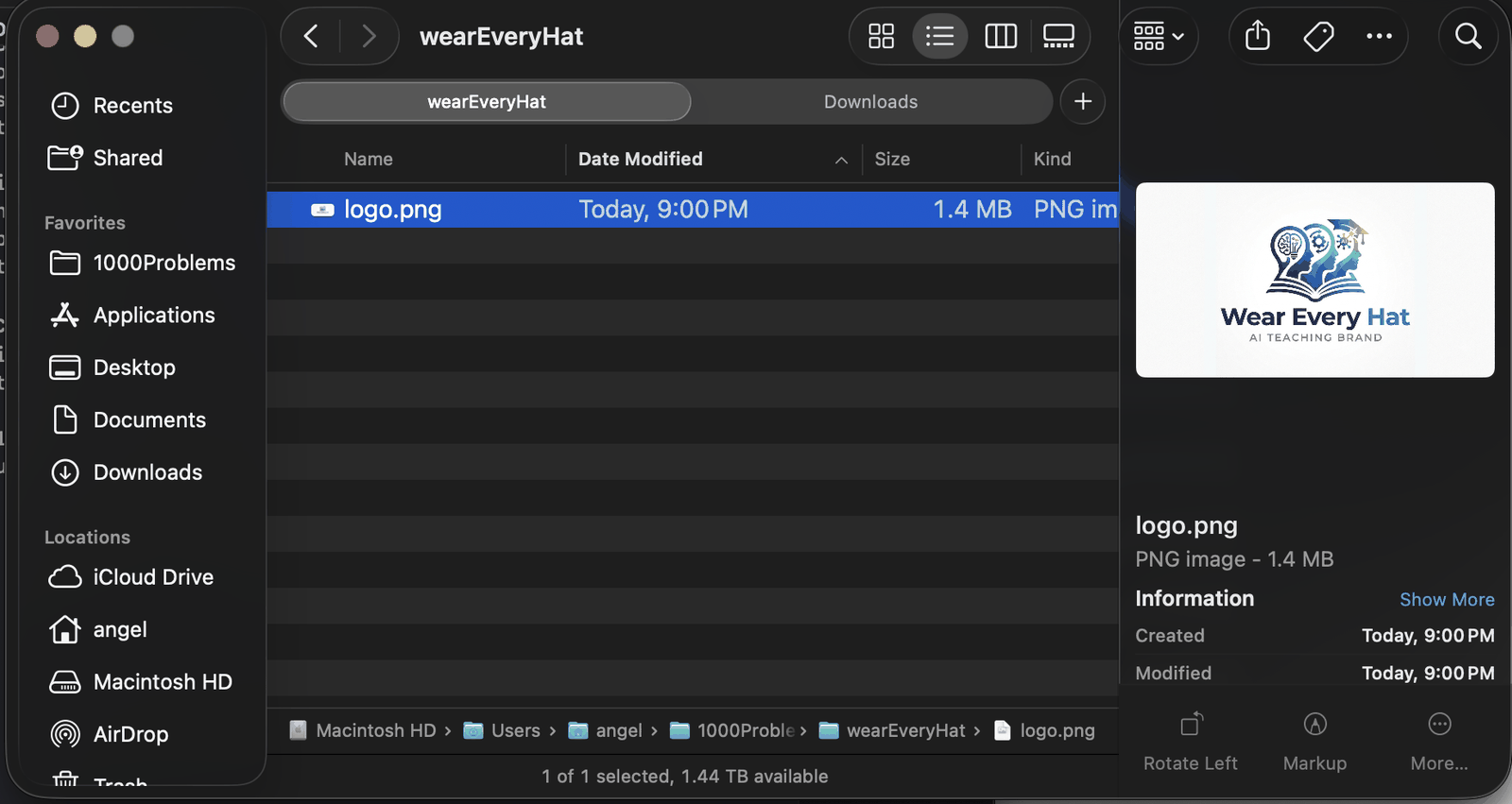
Hat 2 — Look and feel
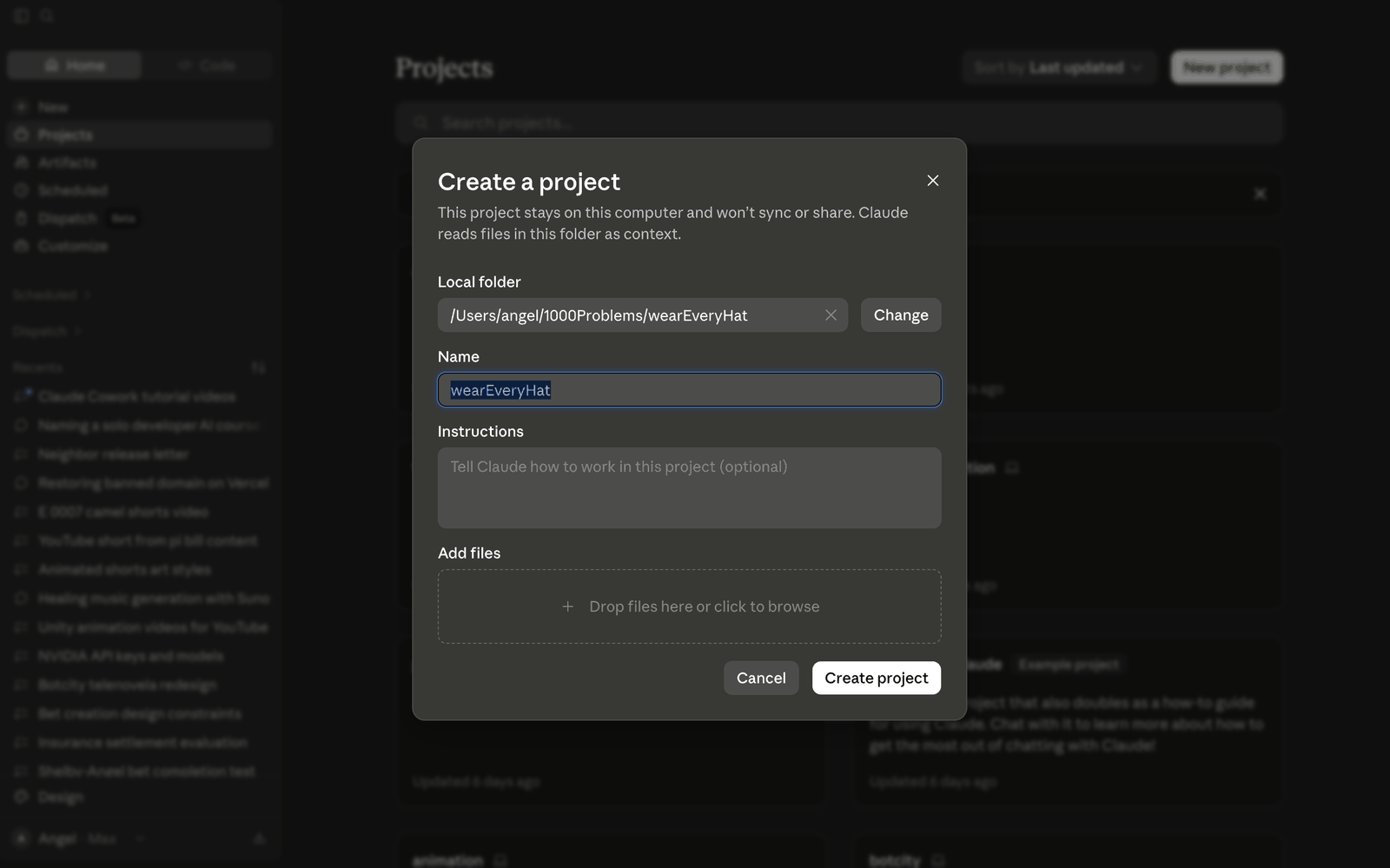
Next hire: the designer. A Cowork project pointed at that folder, with standing orders in the Instructions field — always default to design mode; when a design is complete, write the coding tasks. That instruction box is the employee handbook.
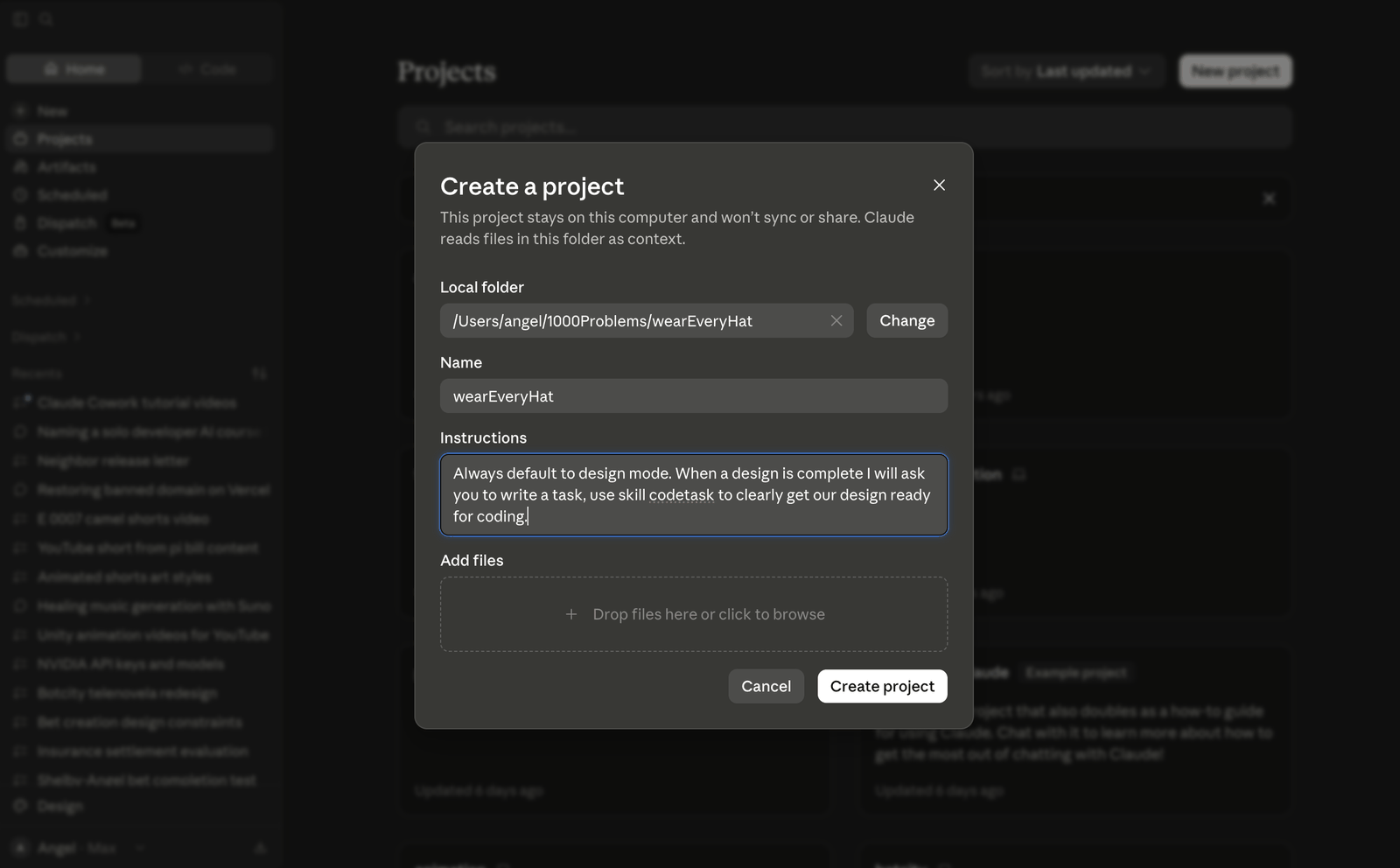
The site itself was described in one plain-English paragraph — the YouTube companion idea, a page per episode, a chatbot for stuck viewers. Cowork turned that into a design document and a prompt written for the next tool in the chain.
That prompt went to Claude Design with the same folder attached and a design system called Broadsheet — editorial, print-flavored, deliberately not the default AI look.
Prompt → Claude Design
look at design prompt and logo and create prototype web site
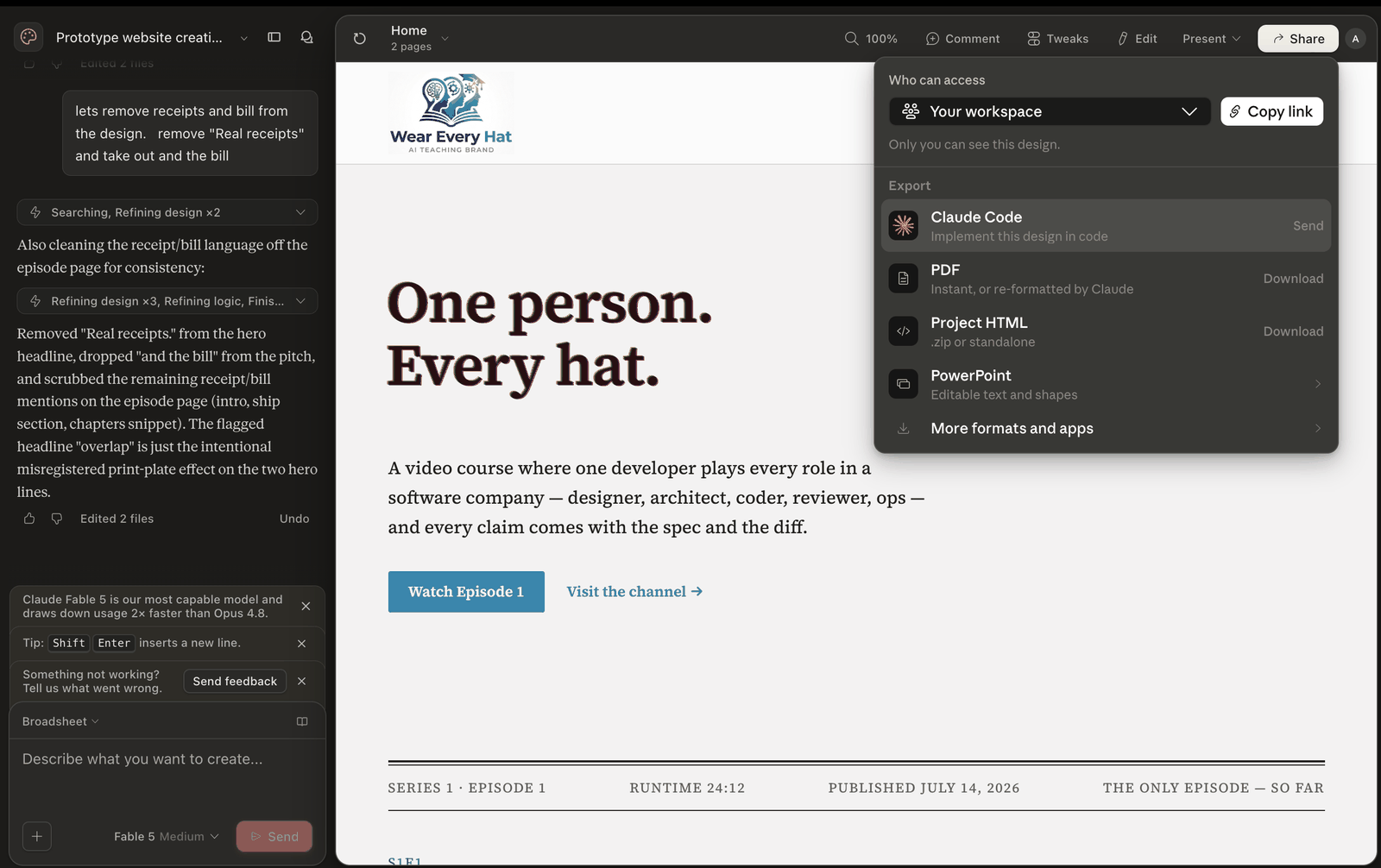
Iteration happened in plain English too — "lets remove receipts and bill from the design" — and Claude explained its own work back, including defending the misregistered print effect as intentional.
Hat 3 — Specs, not vibes
This is where most AI projects go wrong. The design looks good, excitement takes over, and the next prompt is "code this directly." That prompt got typed here too. The architect hat overruled it: before any code, Cowork wrote three task files — scaffold, content engine, home page — in dependency order.
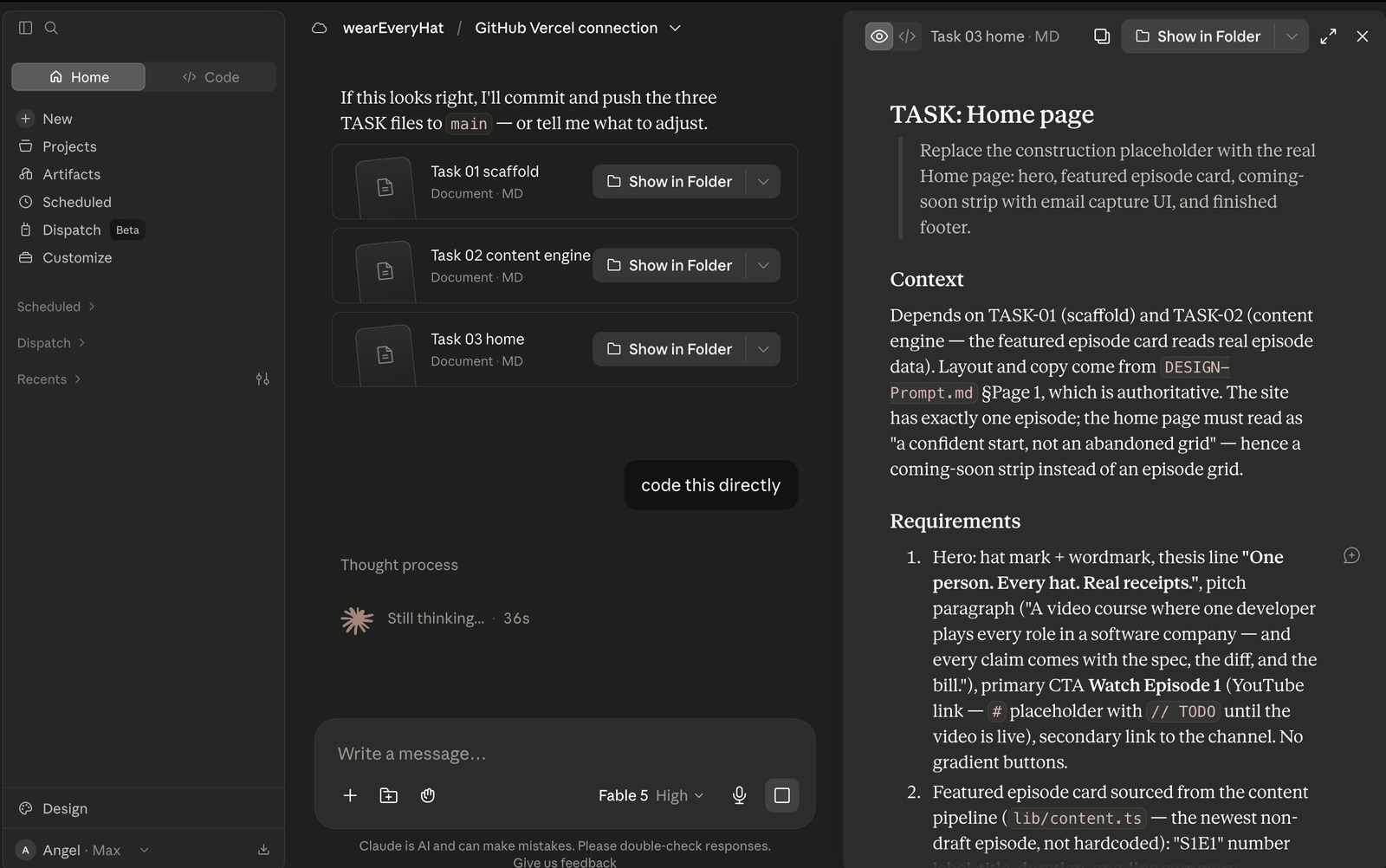
The spec anatomy: context, numbered testable requirements, a Do Not Change list, acceptance criteria. The AI that writes the code never has to guess — and an AI that doesn't guess doesn't hallucinate features. All three specs are downloadable below, uncleaned.
Hat 4 — Design becomes code
Claude Design exports a prompt — not a screenshot, a machine-readable handoff that tells a coding agent how to import the pixel-authoritative design.
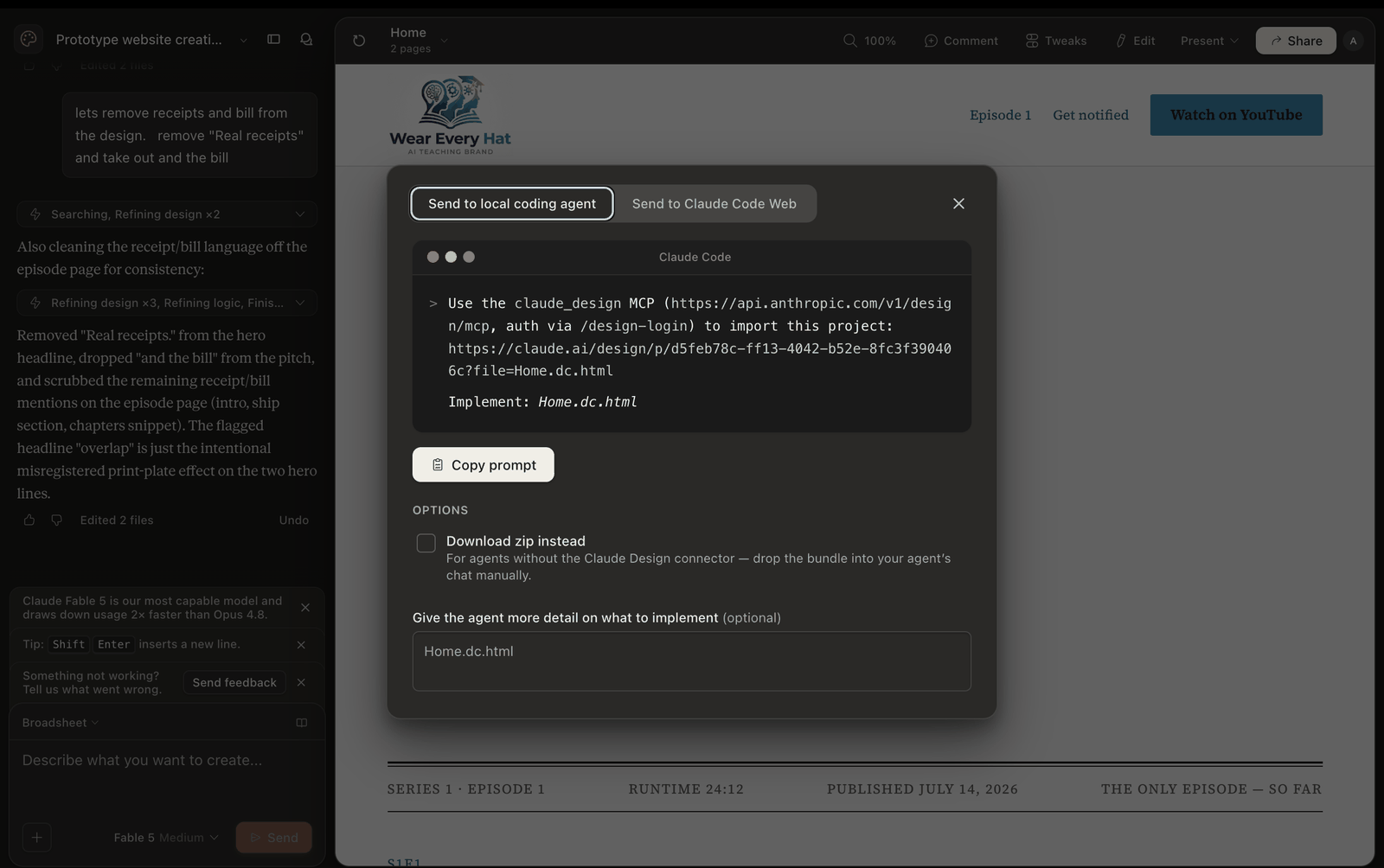
That prompt landed in Claude Code, which pulled the design over the claude_design MCP and implemented it as the Next.js app serving this page. Version control took one more sentence:
Prompt → Claude Code
create public github at https://github.com/1000Problems/ called weareveryhat
# publishing an episode is one file and one push
git add content/series/building-wear-every-hat/e02-*.mdx
git commit -m "publish episode 2"
git push   # Vercel deploys automatically
Hat 5 — Ops gets hands
The code needed hosting. Instead of clicking through Vercel's import flow, the ops hat asked Cowork to do it — browser extension, real mouse:
Prompt → Cowork
I have created a github for this project, can you connnect it to vercel using browser extension
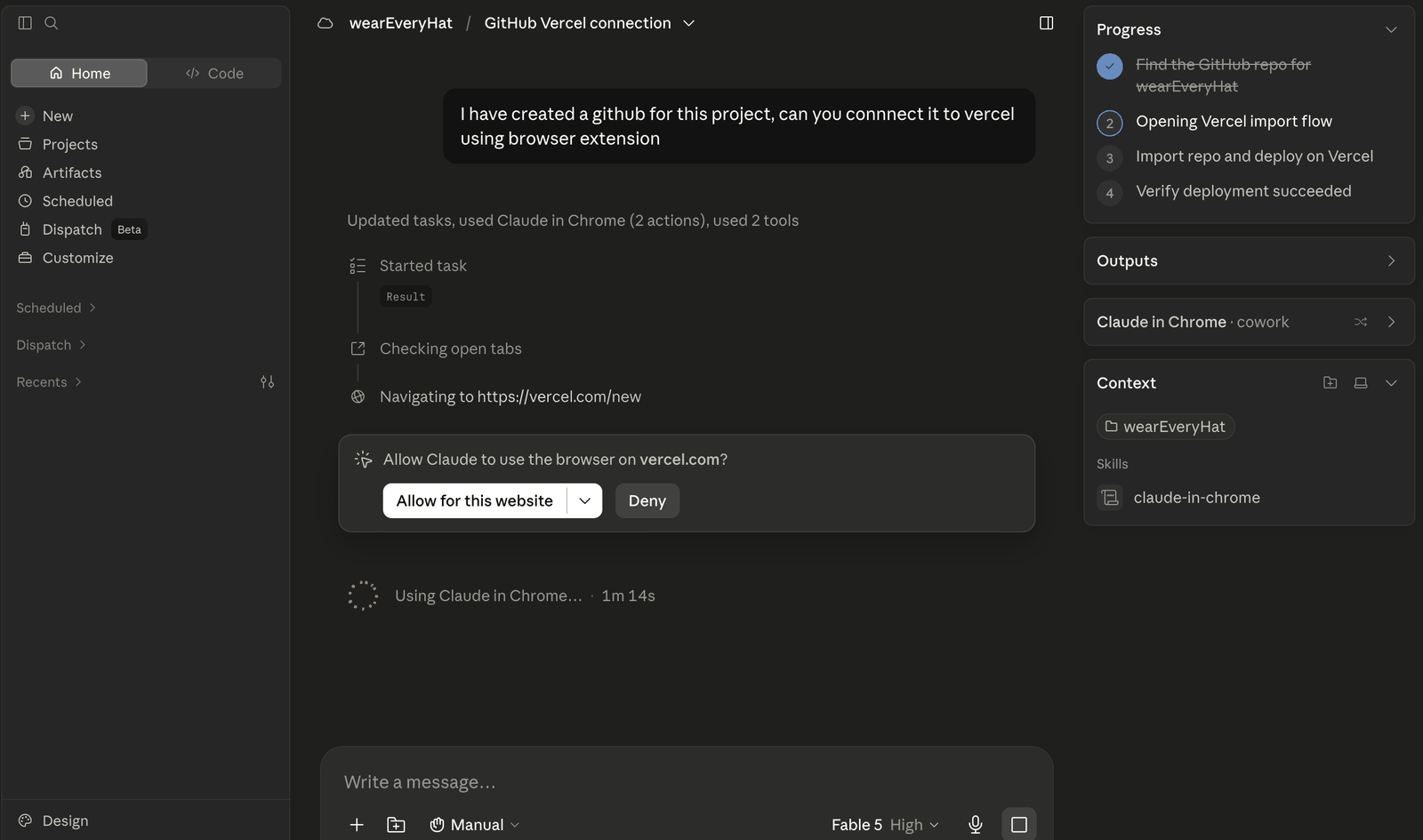
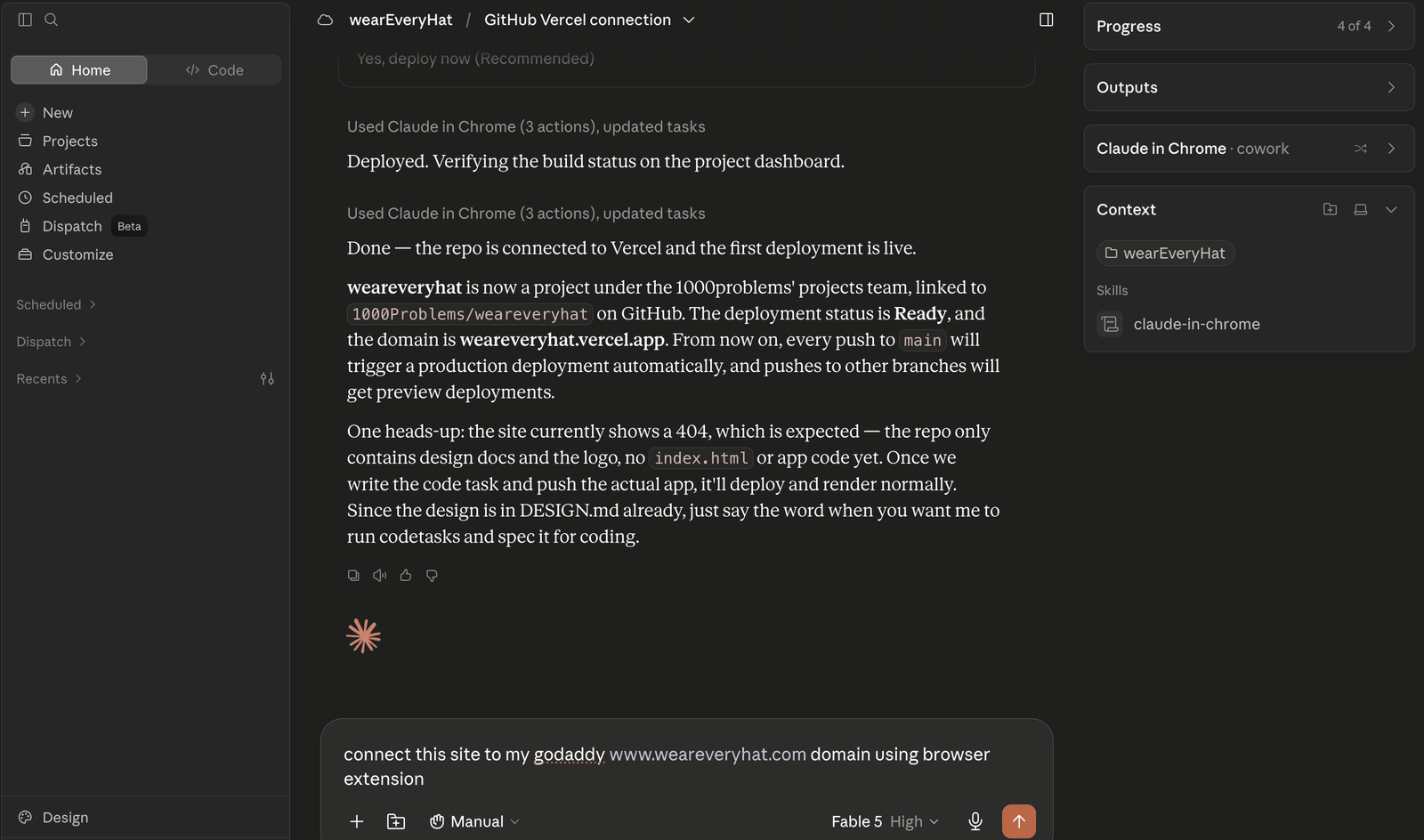
Then DNS, the step every tutorial skips: the same browser hands pointed the GoDaddy domain at Vercel, and weareveryhat.com went live.
Make it alive
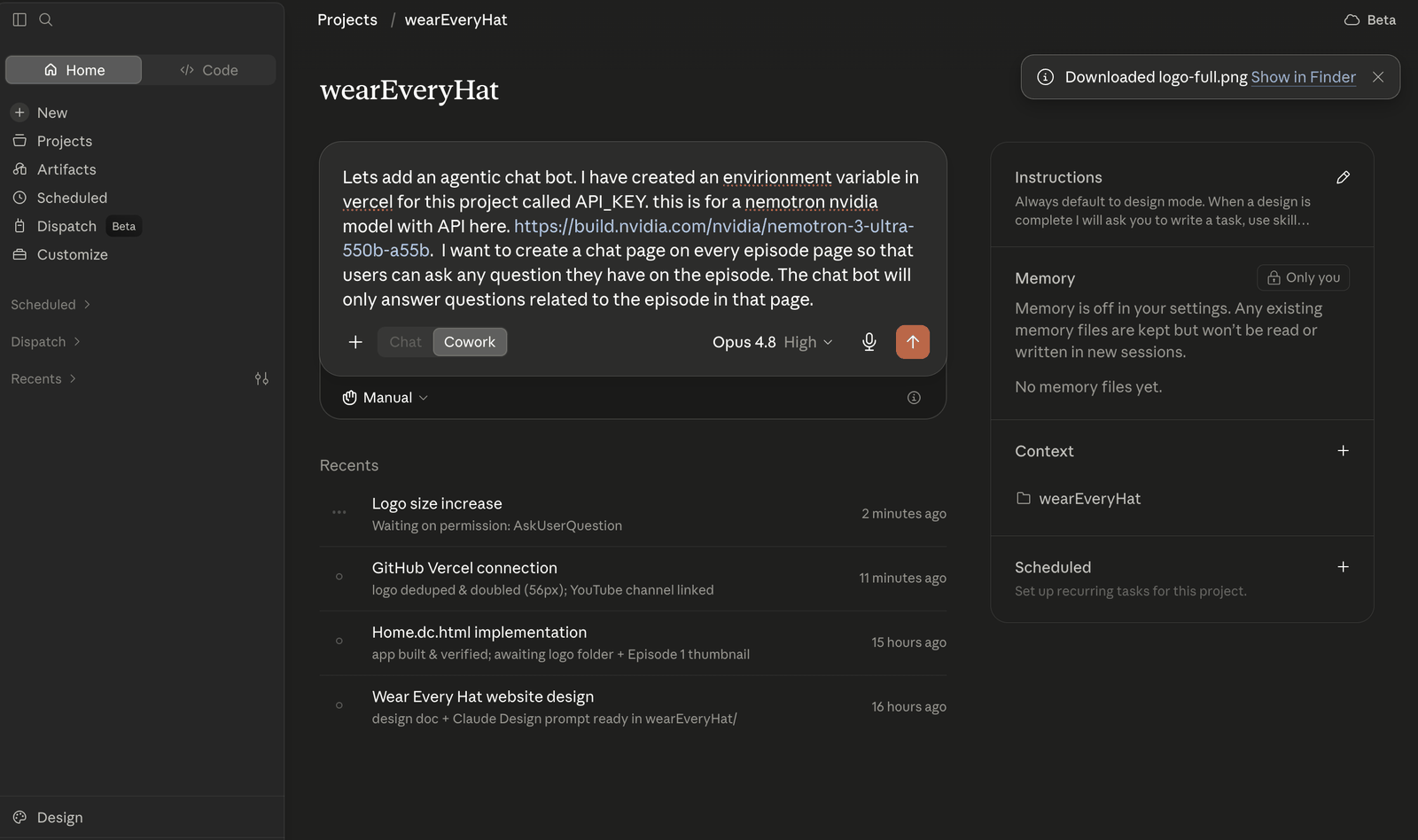
One box stays open. This site is getting a brain — the "Ask this episode" chat below, grounded in this episode's narration transcript, answering only questions about what you watched. It was kicked off on camera with an environment variable in Vercel and a Nemotron model behind a provider-agnostic route. Ask it what prompt created the logo, and it will show you the exact words.
The artifacts
Every claim in this episode comes with the file that proves it. The downloads below are the actual artifacts from the build — the design brief handed to Claude Design, the first task spec handed to Claude Code, and the word-for-word narration transcript this page's chat assistant reads.
Ask about this episode
AI answers grounded only in this episode. Off-topic questions are declined. Up to 10 questions per hour.
Answers are AI-generated from this episode’s content and may be imperfect.
Artifacts from this episode
- DESIGN-Prompt.md
Design brief used in this episode
md4.5 KB - TASK-01-scaffold.md
Task spec: scaffolding the app
md5.1 KB - e01-transcript.txt
Narration transcript
txt6.5 KB